Use UIAlertController To Create A Temporary Modal Notification
First published September 23, 2015. Updated December 8, 2015
This article was published a really long time ago.
Its value then was likely questionable. Its value now is certainly pure nostalgia.
Updated 08/12/2015 to include Swift example
Using UIAlertController with an NSTimer you can make a temporary modal notification to be shown briefly on screen as a reasonably unobtrusive way to a show an important bit of information to a user.
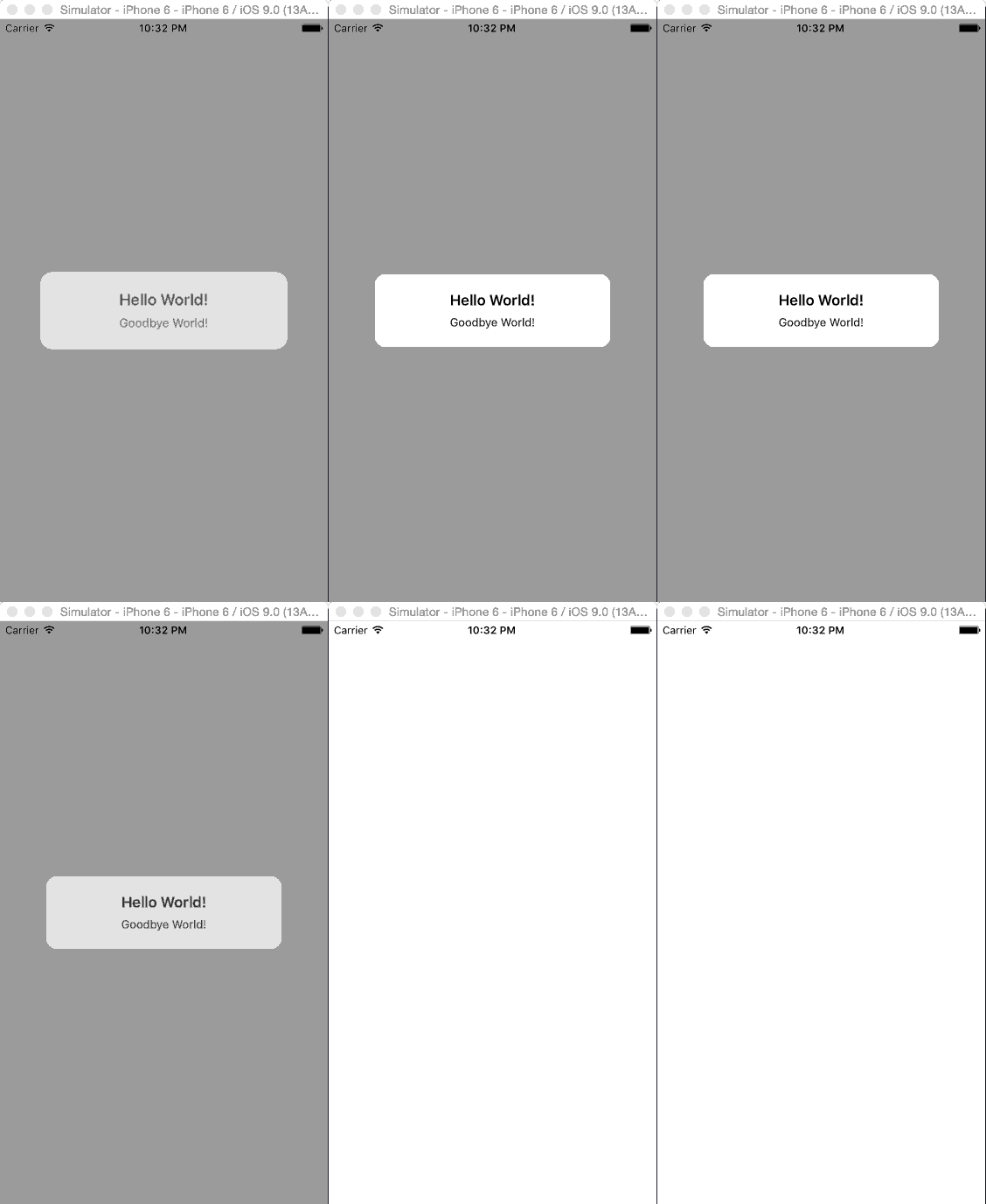
Objective-C
- (void)viewDidAppear:(BOOL)animated
{
  [self showIt];
}

- (void)showIt
{
  UIAlertController *alert = [UIAlertController alertControllerWithTitle:@"Hello World!"
                                                                 message:@"Goodbye World!"
                                                          preferredStyle:UIAlertControllerStyleAlert];

  [self presentViewController:alert
                     animated:YES
                   completion:^{
                     [NSTimer scheduledTimerWithTimeInterval:2.0
                                                      target:self
                                                    selector:@selector(removeIt:)
                                                    userInfo:alert
                                                     repeats:NO];
                   }];
}

- (void)removeIt:(NSTimer *)sender
{
  UIAlertController *alertVC = (UIAlertController *)[sender userInfo];

  [UIView animateWithDuration:1.0
                   animations:^{
                     alertVC.view.alpha = 0.0;
                   } completion:^(BOOL finished) {
                     [alertVC dismissViewControllerAnimated:YES completion:NULL];
                   }];
}
Swift
import UIKit

class ViewController: UIViewController {

  override func viewDidAppear(animated: Bool) {
    showIt()
  }

  func showIt() -> ()
  {
    let alert: UIAlertController = UIAlertController.init(title: "Hello World!",
      message: "Goodbye World!",
      preferredStyle: UIAlertControllerStyle.Alert)

    self.presentViewController(alert, animated: true) { () -> Void in
      NSTimer.scheduledTimerWithTimeInterval(2.0,
        target: self,
        selector: Selector("removeIt:"),
        userInfo: alert,
        repeats: false)
    }
  }

  func removeIt(sender: NSTimer) -> ()
  {
    let alert: UIAlertController = sender.userInfo as! UIAlertController

    UIView.animateWithDuration(1.0, animations: { () -> Void in
      alert.view.alpha = 0.0
      }) { (Bool) -> Void in
        alert.dismissViewControllerAnimated(Bool, completion: {})
    }
  }
}
UIAlertController replaces both UIAlertView and UIActionSheet in iOS 8, you now create a UIAlertController with a title, a message and a preferredStyle attribute which is set to either UIAlertControllerStyleAlert or UIAlertControllerStyleActionSheet for what used to be a UIAlertView or UIActionSheet respectively.
Example code on Github.